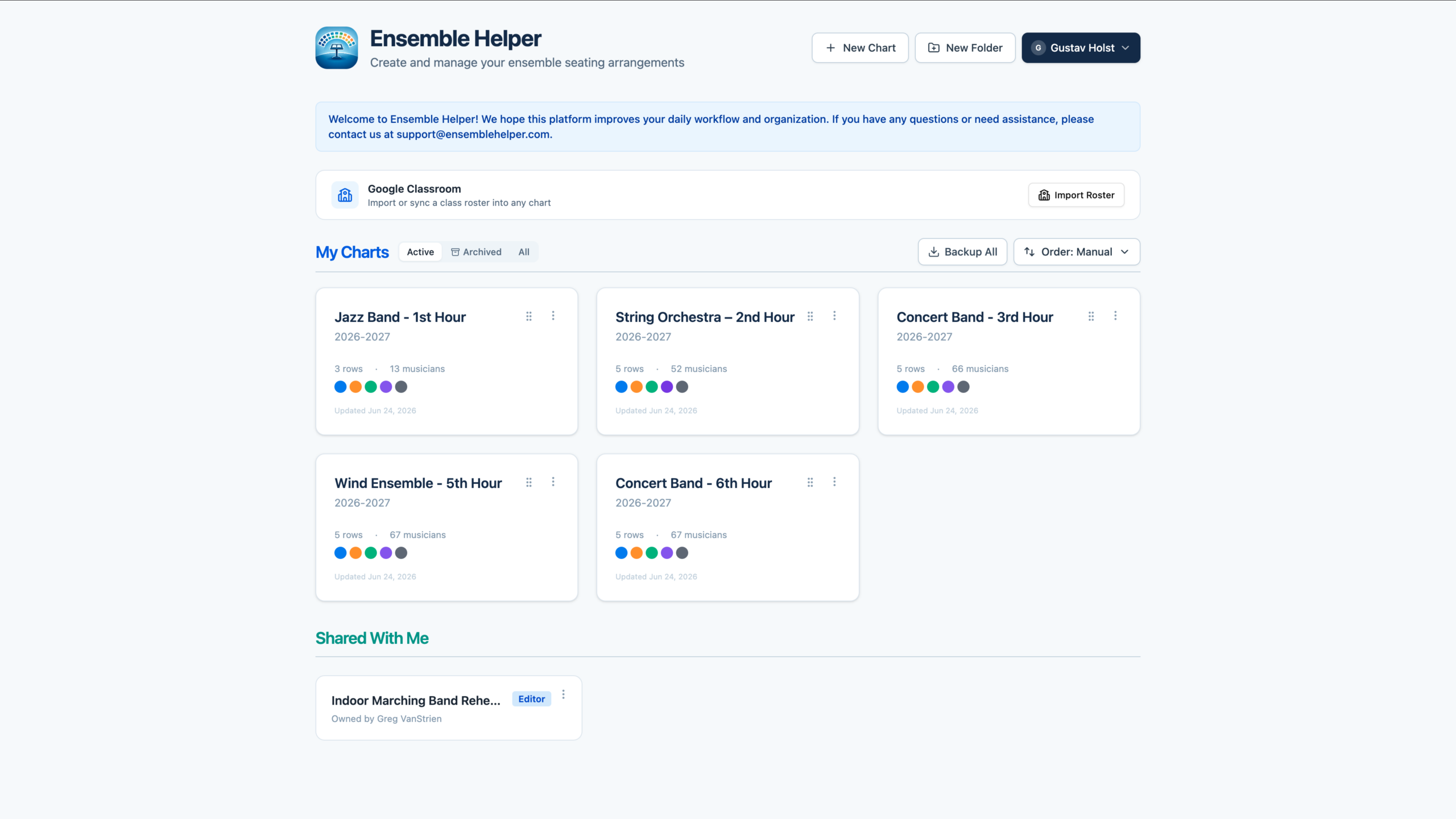
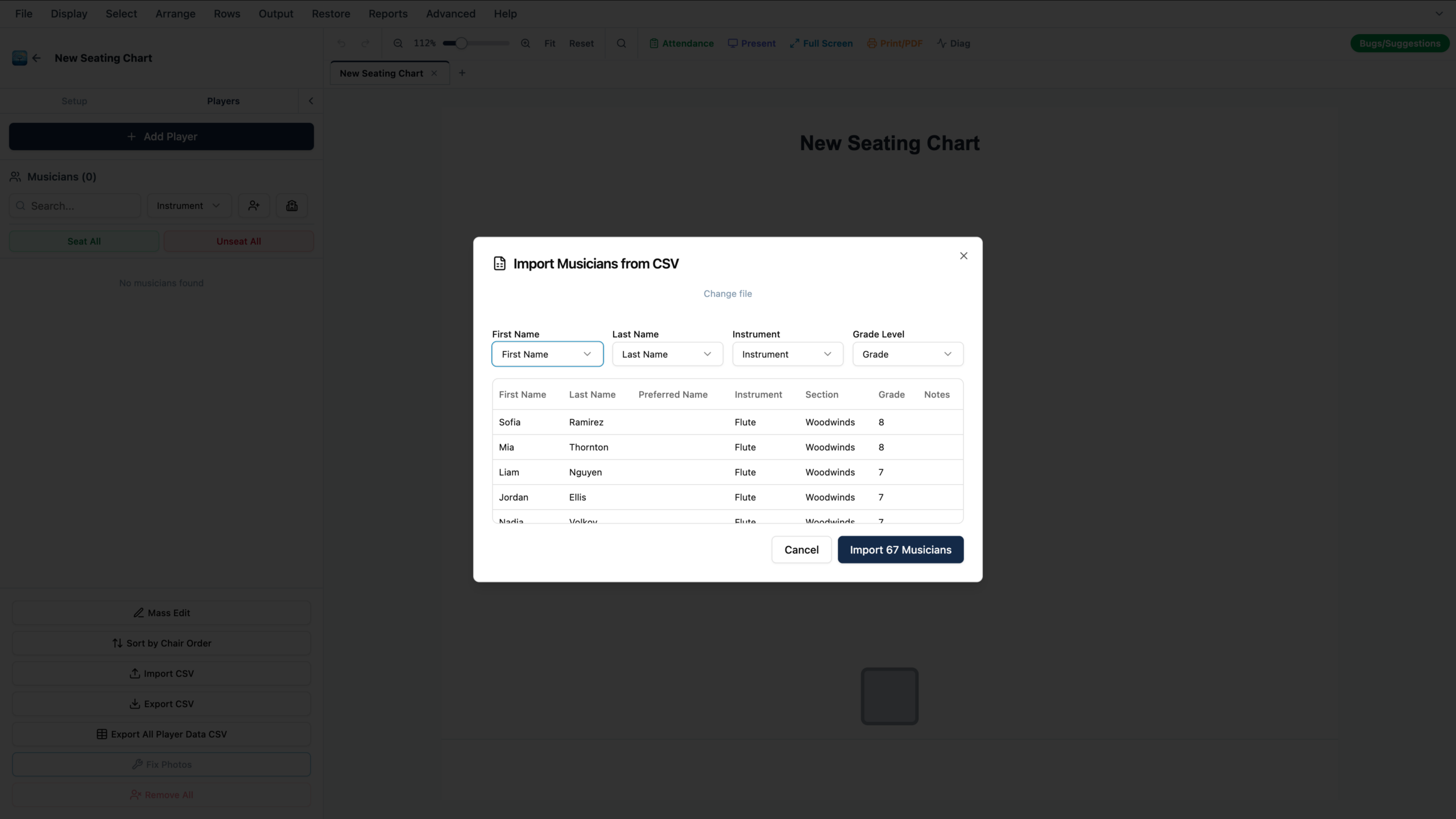
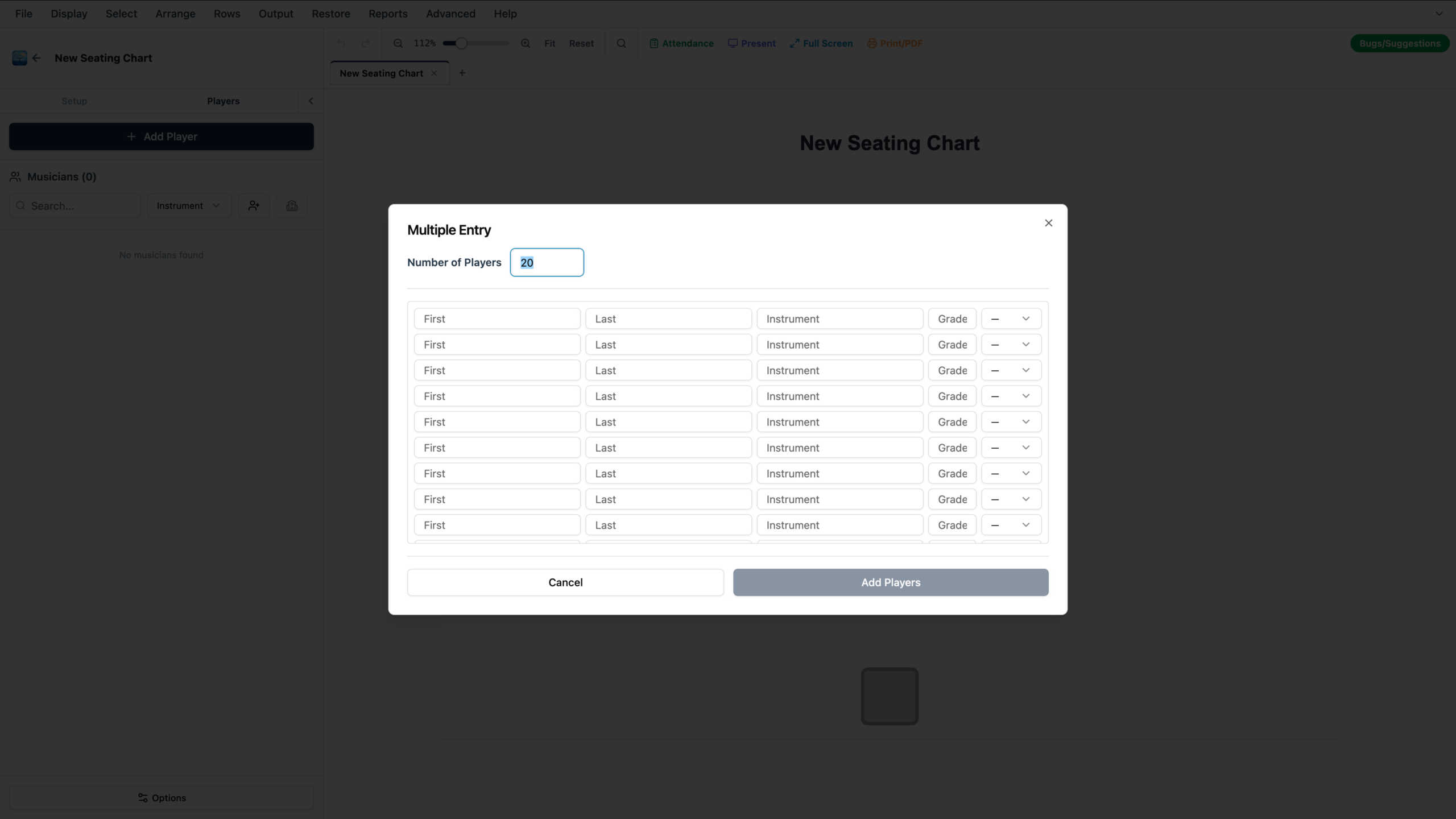
Ensemble Helper is built around a shared roster system designed for the way music directors actually organize students. Most directors do not work from one single list. They may have separate rosters for concert band, jazz band, marching band, orchestra, choir, percussion ensemble, sectionals, small groups, or multiple class periods. Ensemble Helper lets directors create and manage rosters for each class or ensemble, then use those rosters across the tools connected to that group.
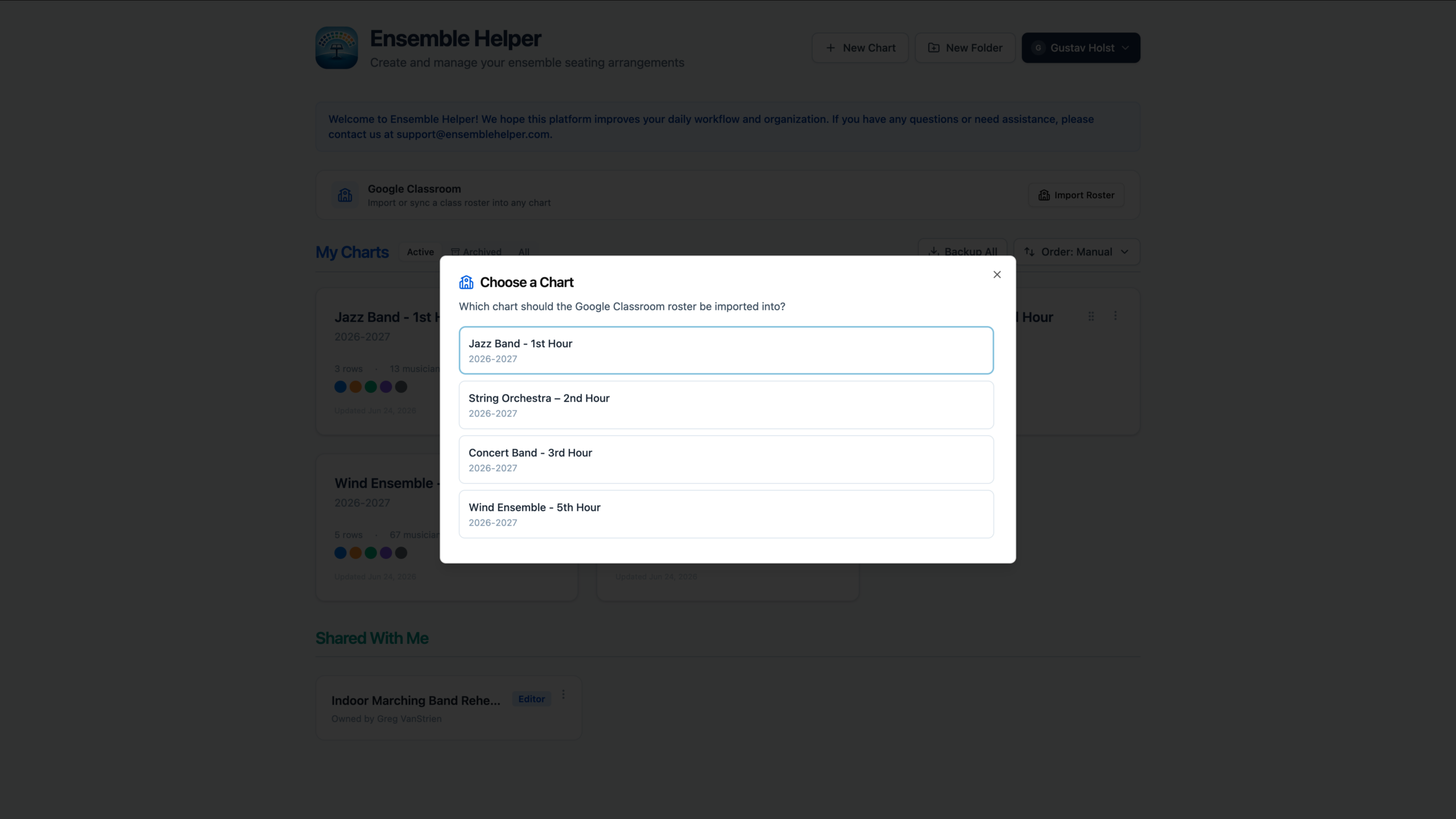
Directors can build rosters manually, import them from Google Classroom, or bring in existing roster files from their SIS using CSV import. This is important because many directors already have class lists in Google Classroom, student information systems, spreadsheets, or exported files from other tools. Ensemble Helper should make it easy to start from the roster a director already has instead of forcing them to type every student again.
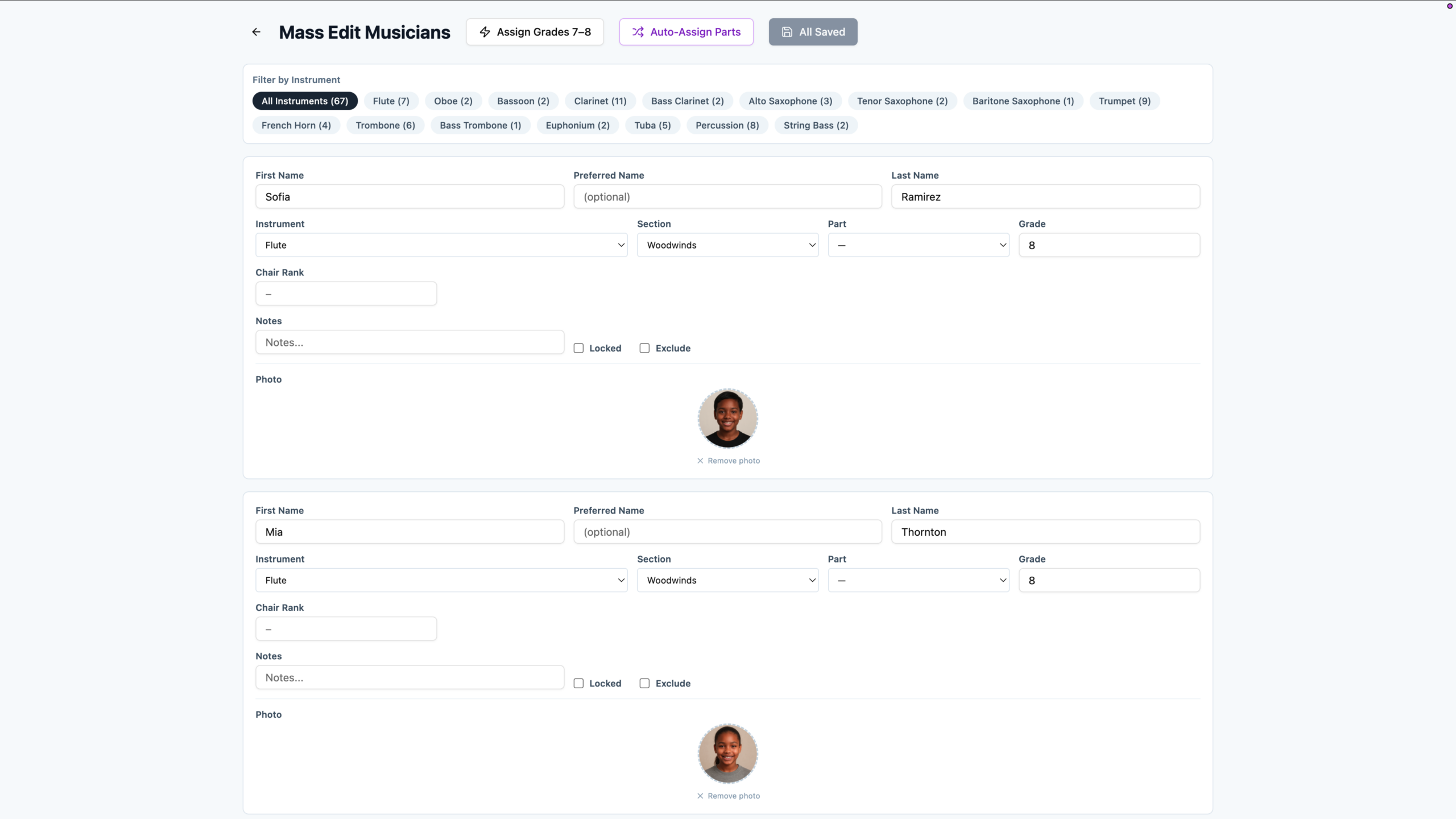
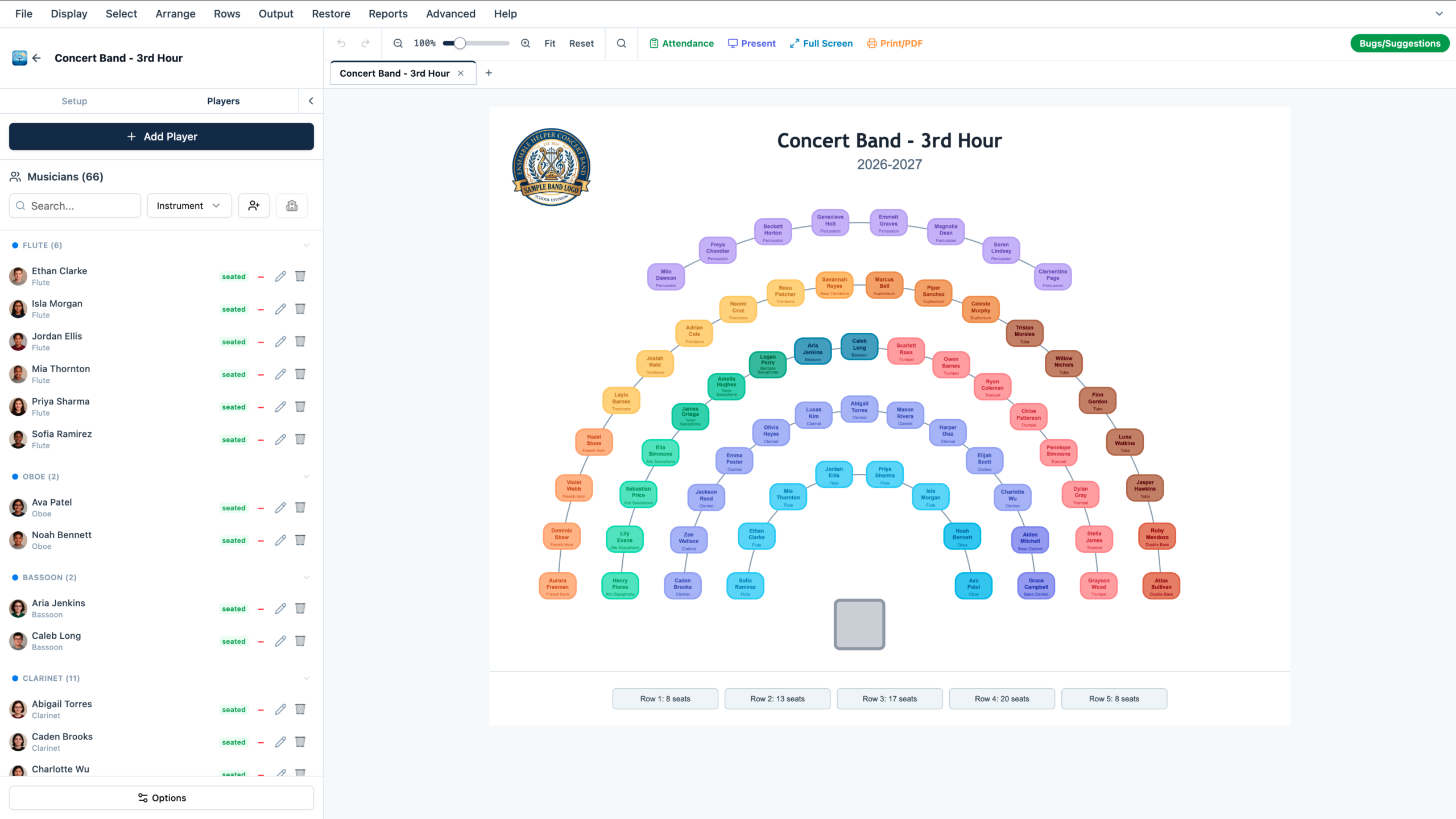
The value of a shared roster system is that student information does not need to be rebuilt in every tool. Once a roster is created for an ensemble, that same student data can support Seating Charts, Attendance, and future modules. When a student changes instruments, moves sections, joins a different ensemble, or is removed from a class, directors can keep the information organized from one roster instead of updating the same details in several separate spreadsheets, documents, and apps.
Shared rosters also help Ensemble Helper grow as a modular system. A concert band roster might be used for seating charts, attendance, labels, reports, and concert program tools. A percussion ensemble roster might support seating, equipment layouts, and future percussion assignment tools. A choir or general music roster could eventually support tools built specifically for those classroom needs. Each roster becomes the foundation for the work connected to that ensemble.
The goal is simple: directors should be able to organize students once for each ensemble they teach, then use that information wherever it is needed. Shared rosters make Ensemble Helper more than a collection of separate tools. They help connect the everyday systems directors use to manage classes, rehearsals, performances, attendance, and future program workflows.