Rows, arcs, and custom setups
Create straight rows, concert arcs, centered layouts, section groupings, and custom arrangements. Flexible row controls help you adapt the layout as your ensemble changes.

SEATING CHARTS
Flexible seating charts built for music directors. Turn your shared roster into a clear plan for rehearsal and performance.
YOUR ENSEMBLE, IN VIEW
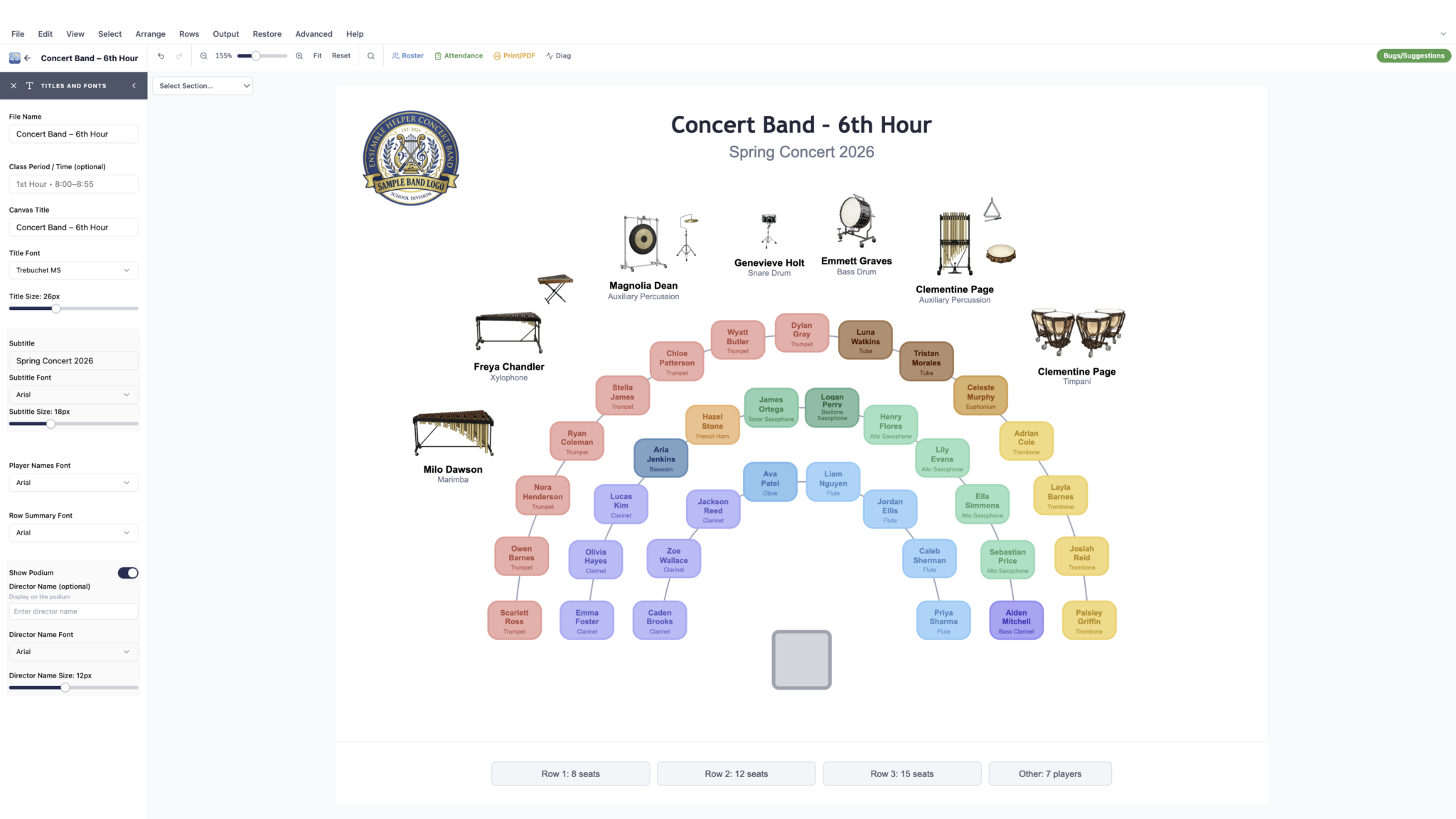
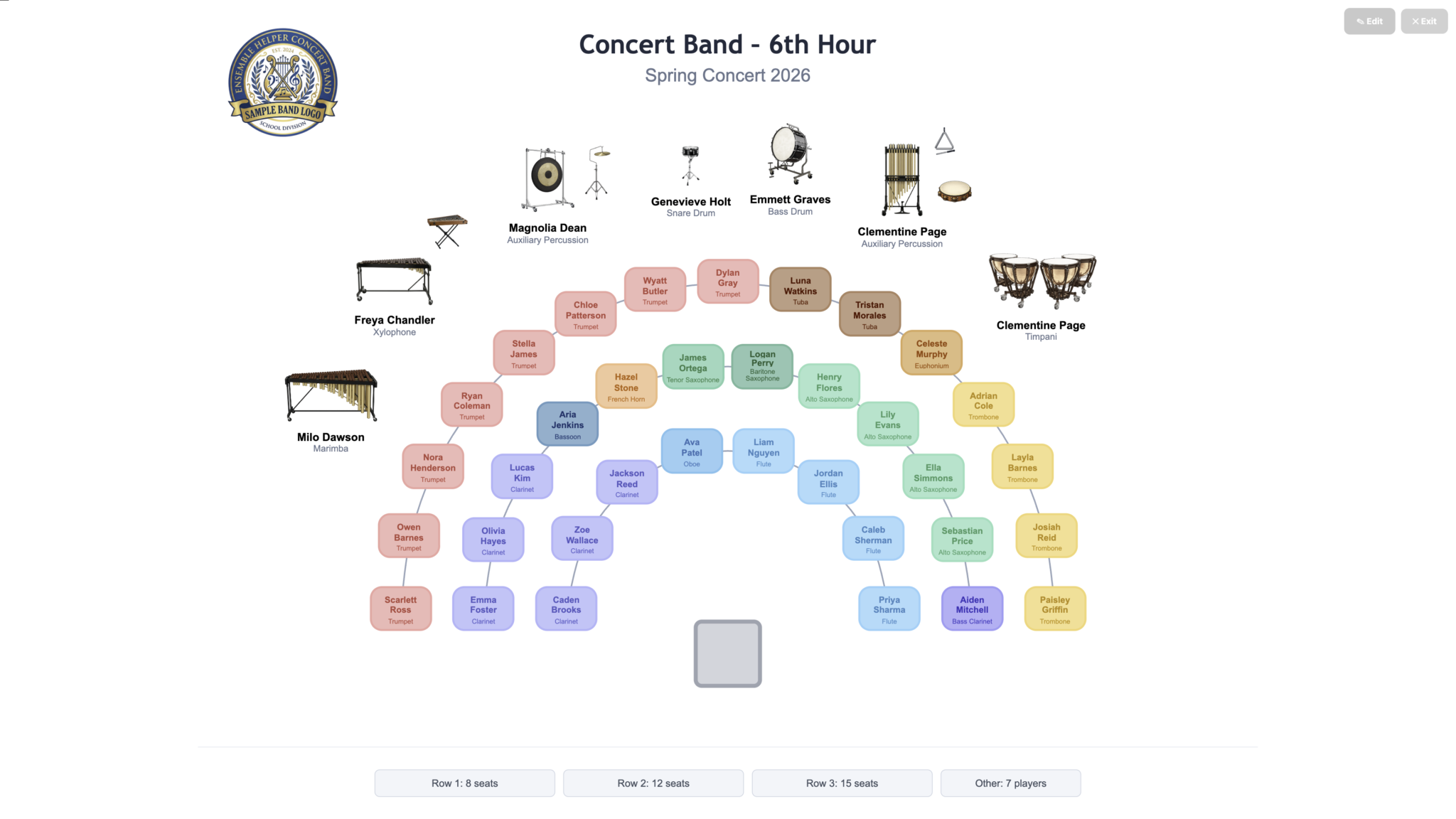
Explore the original product screenshots. Select either image to enlarge it or view it at its original available resolution.
BUILT FOR REAL ENSEMBLES
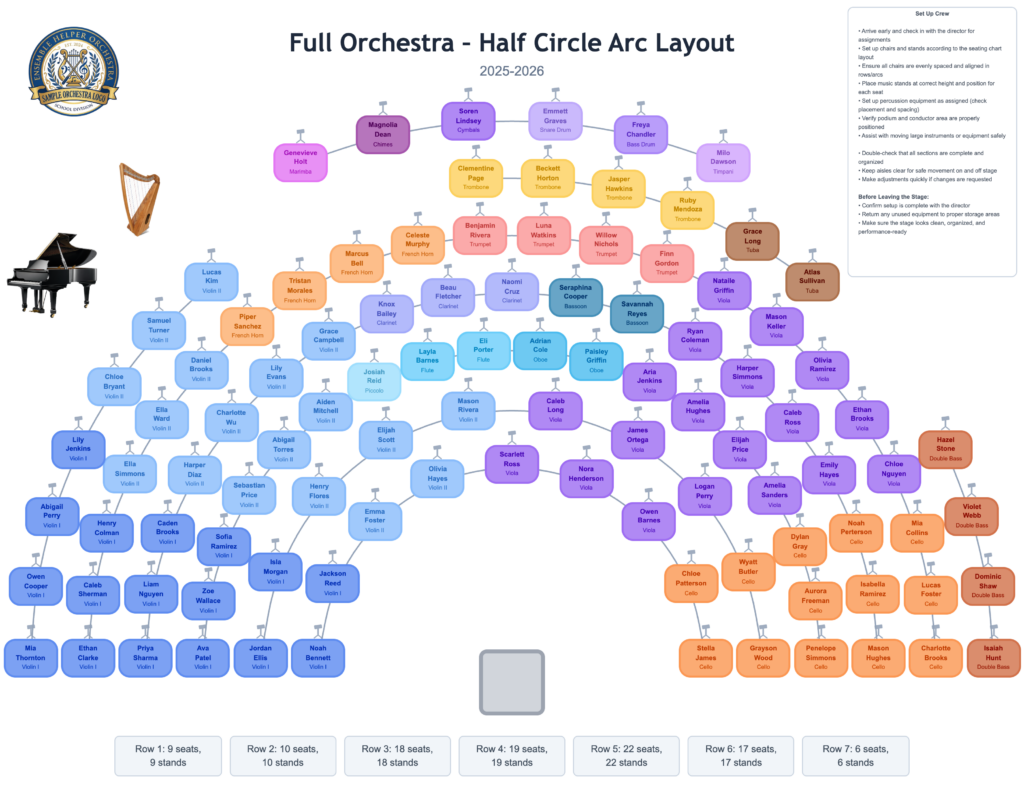
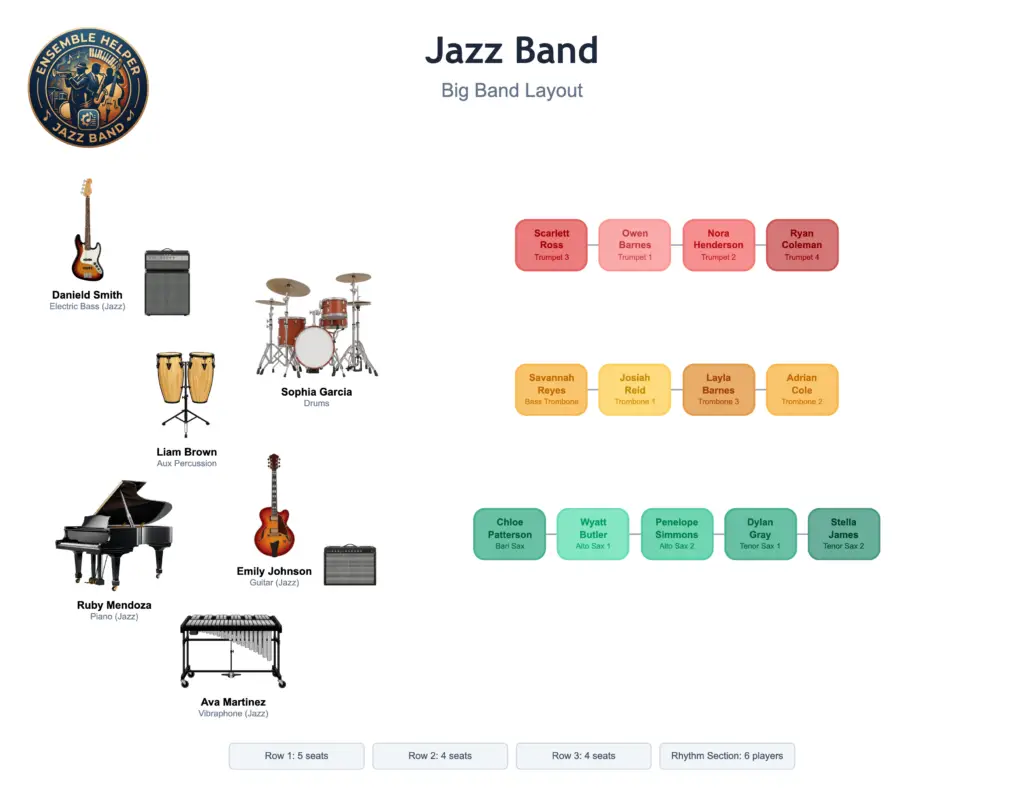
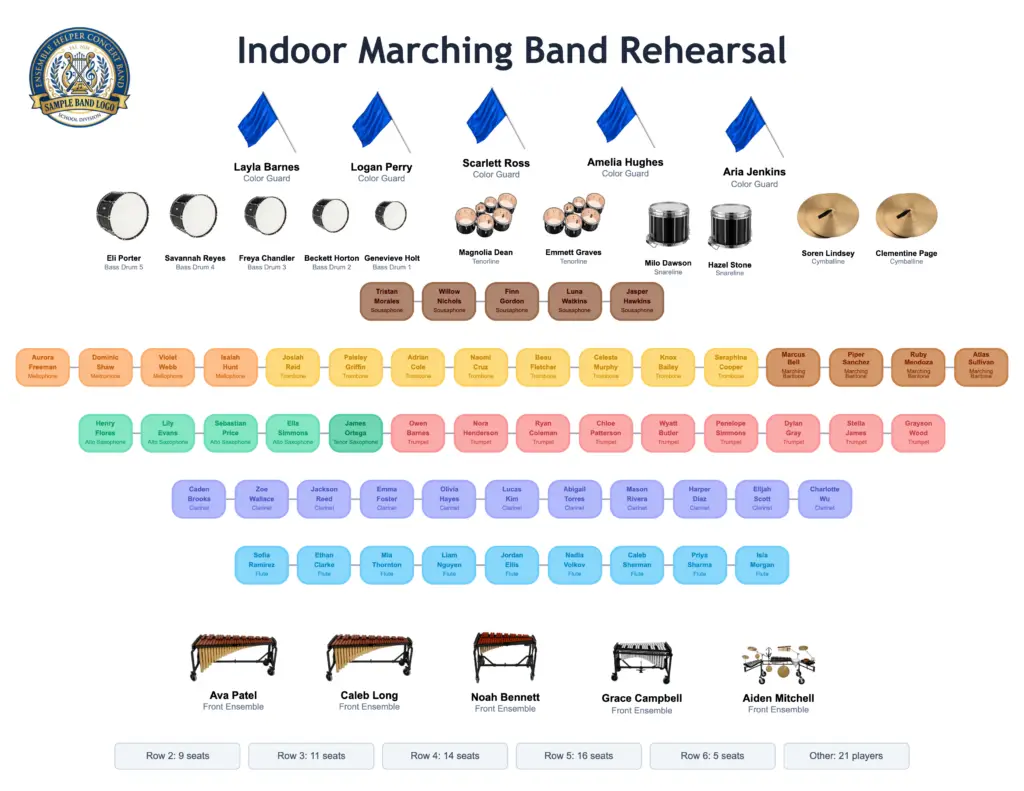
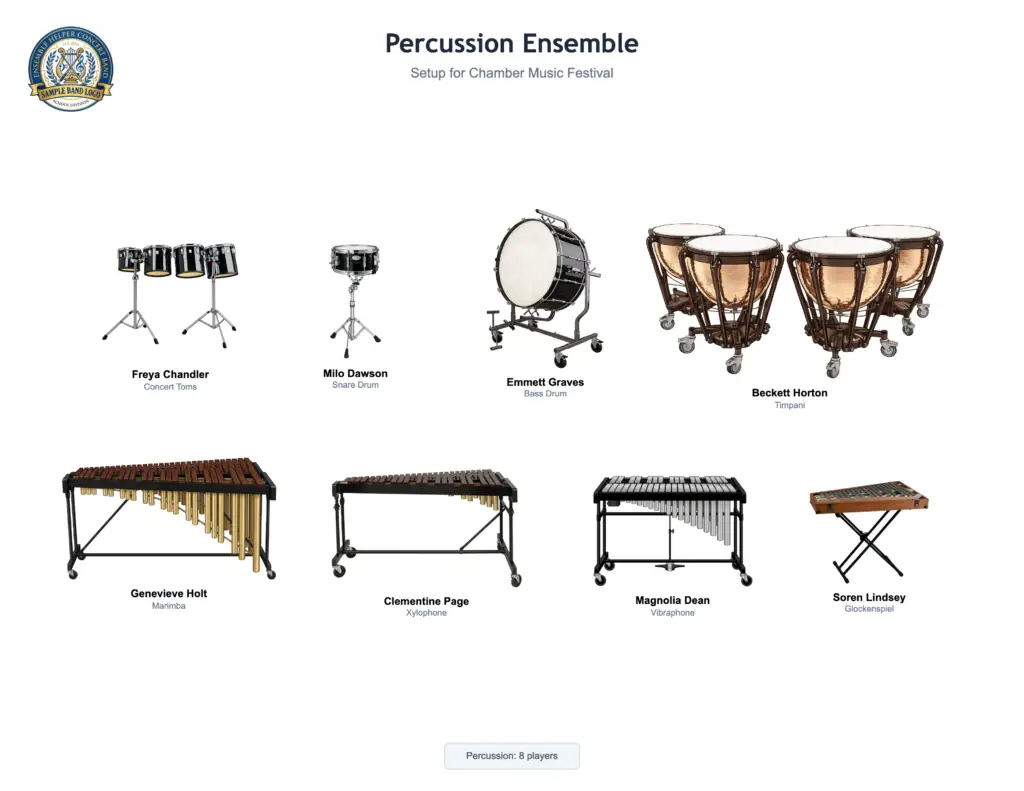
Concert band, orchestra, percussion, marching rehearsal, and classroom ensembles need different setups. Adjust the chart to the group, the room, and the purpose.
Create straight rows, concert arcs, centered layouts, section groupings, and custom arrangements. Flexible row controls help you adapt the layout as your ensemble changes.
Drag and drop students as seating, sections, or chair placements change. Section colors and labels make the chart easier to read at a glance.
Add percussion icons, attach players, and organize equipment areas clearly alongside the rest of your ensemble.
Original examples from our earlier website show how layouts can vary by ensemble. These June 2026 examples may look different from the current app. Select any chart to enlarge it.
POWERED BY YOUR ROSTER
Build charts from your shared roster, then place, move, reassign, and organize students without rebuilding the chart from scratch. When students change instruments, sections, chairs, or ensembles, update the chart quickly.
The same student information supports Attendance, Instrument Inventory, Lockers, and Leadership, so you can keep the everyday details connected.
Explore shared rostersBEYOND THE PLANNING STAGE
A seating chart is more than a drawing. Keep it useful as plans become a real rehearsal or performance.
Project a clean view so students can find their places and understand the setup. Presentation mode keeps the chart useful during rehearsal.
Print layouts and export charts for rehearsal planning and performance preparation.
Share charts with section leaders, substitutes, guest conductors, and staff. Mobile viewing keeps your chart available beyond your planning screen.
Collaboration and sharingPART OF ENSEMBLE HELPER
Explore sample charts in the public demo, or visit Support for help getting started.