Collaboration and Sharing
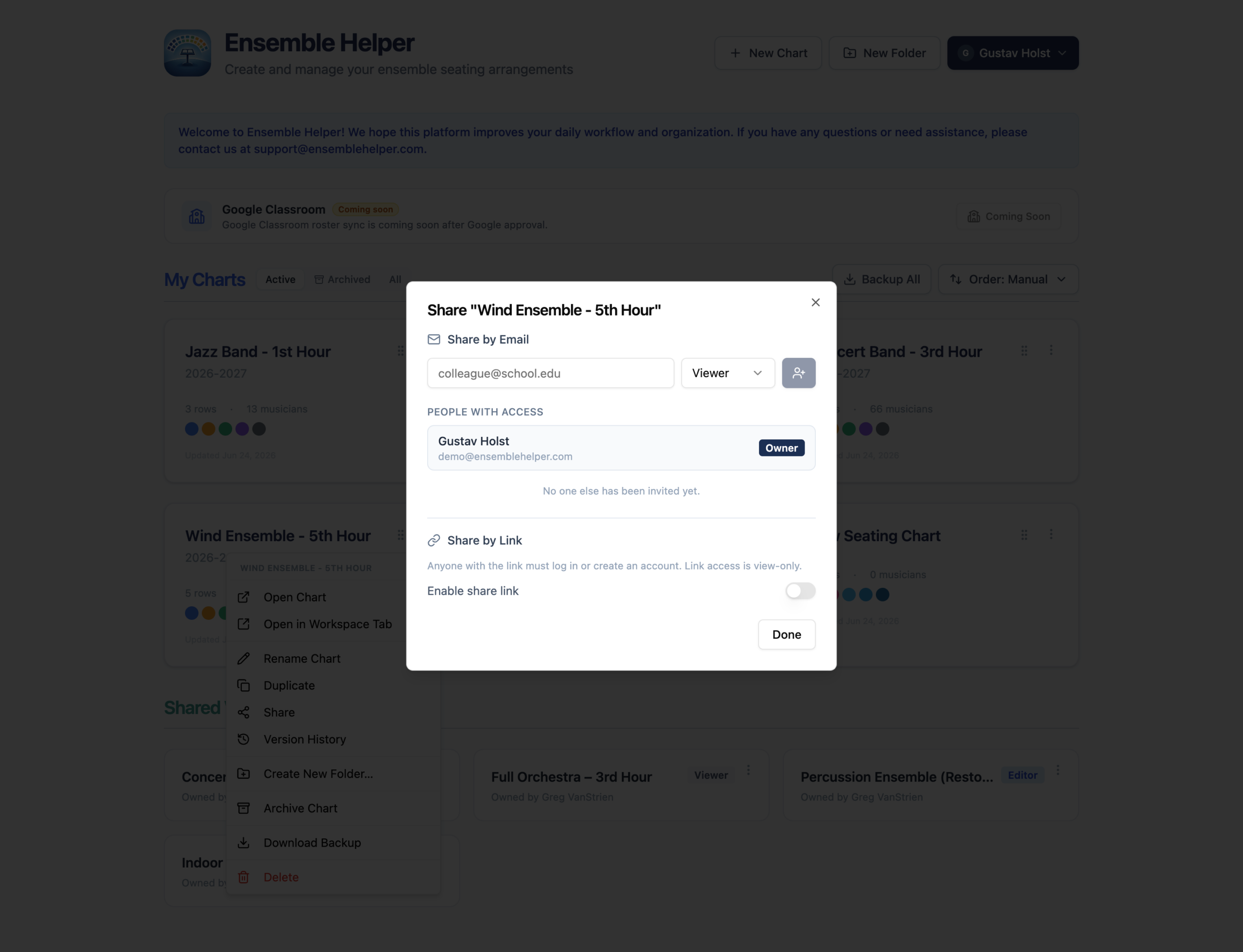
Share the chart. Keep everyone on the same version.
Share current seating charts with the people who need them, and prepare rehearsal displays together with Ensemble Display. Give collaborators the access they need to view or edit, so your team can work from the same information.
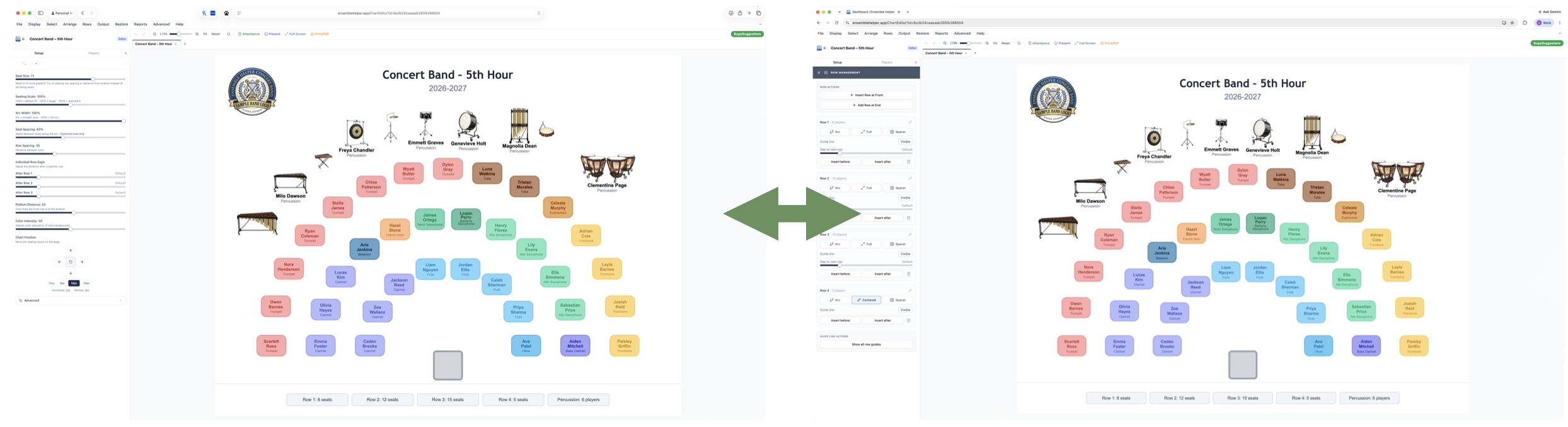
Real-Time Updates
Keep shared charts current as seating, sections, or rehearsal setups change.
Share With Co-Directors
Collaborate with other directors while building or adjusting ensemble layouts.
View-Only Sharing
Give section leaders, substitutes, or students access to the chart without allowing edits.
Substitute and Guest Conductors
Share clean charts that show names, sections, instruments, and layout details for adults helping with rehearsal.
Student-Friendly Views
Project or share a chart so students can quickly find their seats and understand the setup.
Reduce Version Confusion
Avoid outdated screenshots, old PDFs, and multiple copies of the same chart.
Collaboration Built Around Real Rehearsals
When a seating chart changes, directors should not have to resend screenshots, reprint paper copies, or explain which version is current. Ensemble Helper is designed so shared charts can stay connected to the most current version, making them more useful during active planning, rehearsal setup, and classroom use.
Share the Right View With the Right People
Different people need different levels of access. A co-director may need to help edit a chart, while a section leader, substitute, guest conductor, or student may only need a clean view of the current layout. Shared chart views help directors provide the information people need without creating extra copies of the chart.
Useful for Planning and Daily Classroom Use
Real-time collaboration is especially helpful when seating changes during rehearsal or when more than one adult is helping manage an ensemble. If a student moves, a section changes, or the setup needs to be adjusted, the chart can be updated without rebuilding or redistributing the entire layout.
Part of a Connected Ensemble System
Collaboration becomes more powerful when it works with Seating Charts, Attendance, and Shared Rosters. Directors can control who sees what, keep information current, and reduce the confusion that comes from managing multiple files, screenshots, and printed versions.
Share Ensemble Displays
In Ensemble Display, use Shared With Me to play displays shared with you. If you have editor access, you can also help prepare and update the slides. Playback access and editing access serve different needs, whether you are presenting a colleague’s display or preparing it together.
New to Display? Follow the getting-started guide for slides, scheduling, and playback.